

Showing posts with label design. Show all posts
Showing posts with label design. Show all posts
Tuesday, January 8, 2013
Eye Chart for your spells
I was disappointed that my class for Chinese Calligraphy got cancelled today due to low enrollment so I created an eye chart. Not sure how they are connected really but there you are. If you can read it and know what it refers to kudos to you.

Friday, July 24, 2009
A bean bag chair for your iPhone and other DIY solutions
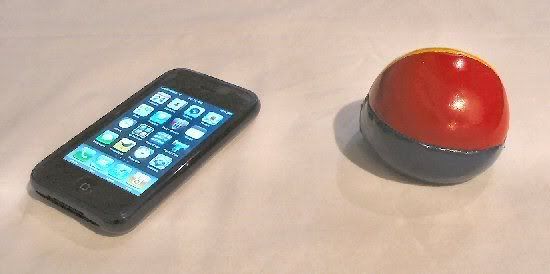
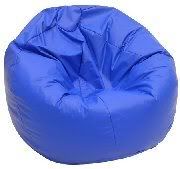 I've seen some really neat iPhone holders out there. From the expensive to the do-it-yourself ones. I rather like the ingenuity of the DIY ones. I have mine on a bean bag. It doesn't fall and it holds itself in the lanscape position well. All you need is to get a bean bag stress ball preferably made of vinyl-like material got mine from a dollar store. Now my iPhone has a rubber skin on it so it adheres to the bag quite nicely. I tried it without the skin and it slides a little.
 So the ball serves as a de-stressor AND holds up your iPhone.
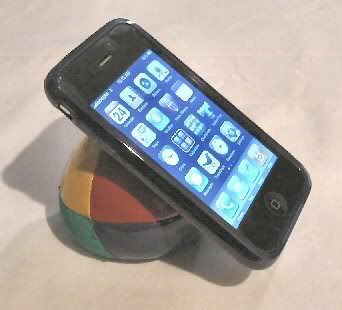
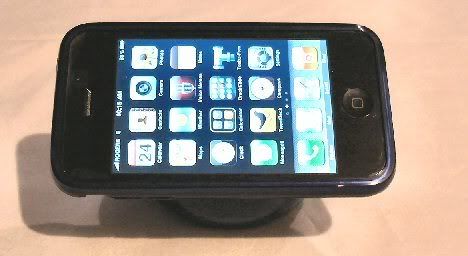
I also tried the business card holder and it does work but I find it flimsy, you can't touch the iPhone without it falling over. I much prefer my bean bag to this but hey it works if you're in a hotel somewhere and need a quick holder.
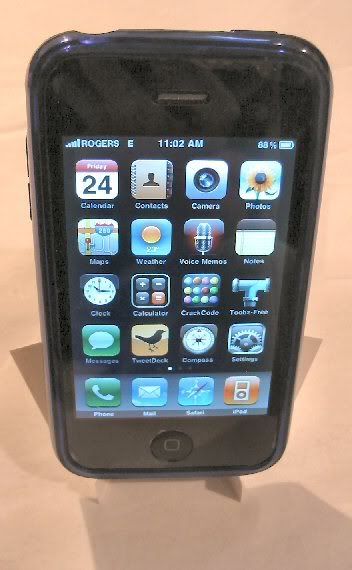
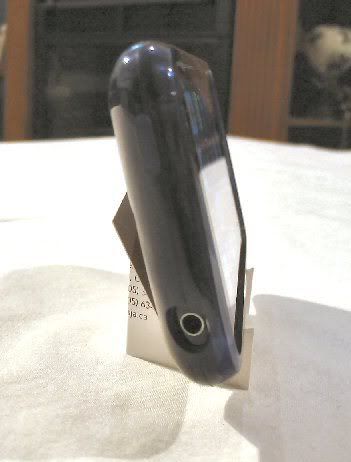
Here are more DIY holders if you are interested:
Instructables: Simple business card iPhone/iPod stand.
iPhone Savior: Cut out the packaging the iPhone came in and used it as a stand.
iPhone Binder Clips: I would just be careful of the metal scratching your iPhone.
CD Stand: They used a bunch of old CDs and glue. It is both a stand and charging station.
Pencil and rubber band stand: yes people, pencils and rubber bands.
iPhone stand made of laser cut acrylic scarps: at first I read scarf!
Paper Cip iStand: use a plastic coated paperclip so you don't end up scratching your iPhone.
iphonehacks: Wooden charging station and stand for the carpenter in you.
iphonehacks: using a rotary phone as a holder...were getting more creative here.
Geeky Gadgets: they created the carboard iPhone holder and they have a template for you to use.
Tuesday, July 7, 2009
tutorial: creating art with typography
Recently inspired by some wonderful typographic art, I decided to give it a try myself. I use PSP8 but the instructions below can be used for any graphics program that will allow for layers, give it a try. This is what I came up with:
1. I started with a simple stock picture that I could use: a chinese food take out box.

2. I decreased the opacity so that I would be able to position the letters properly. This can be a little tedious. If your program has an option to place text along a line, you can certainly use that, but I just opted for placing everything manually. I created a second layer where I would be positioning the letters. Actually I created several layers: steam, box and shadow, just in case I messed up. click for full view

3. Next, position the letters according to the shape of the stock picture. I used the Bonzai font to match the theme. click for full view

4. Play around with colour, positioning and size until you get the effect you want. click for full view

5. Once finished, hide the original layer, change the background colour to black, and voilà your work of art. full view 1290 x 1456

If you find this useful let me know and if you give it a try, send me a picture or link and I will feature your artwork here. I wrote this quick tutorial before I actually undertook the project. Let me tell you that placing all those letters manually takes alot of time and patience but it is very rewarding in the end.
More typograhic art:
Flickr: typography tag search.
Georgeous examples of floral typography.
noupe: 40+ killer typograhic posters, photoshop effects and tutorials.
Speckyboy Design Magazine: 25 examples of amazingly creative typography art.
Six Revisions: 30+ creative typography art. You have got to check this one out!
1. I started with a simple stock picture that I could use: a chinese food take out box.
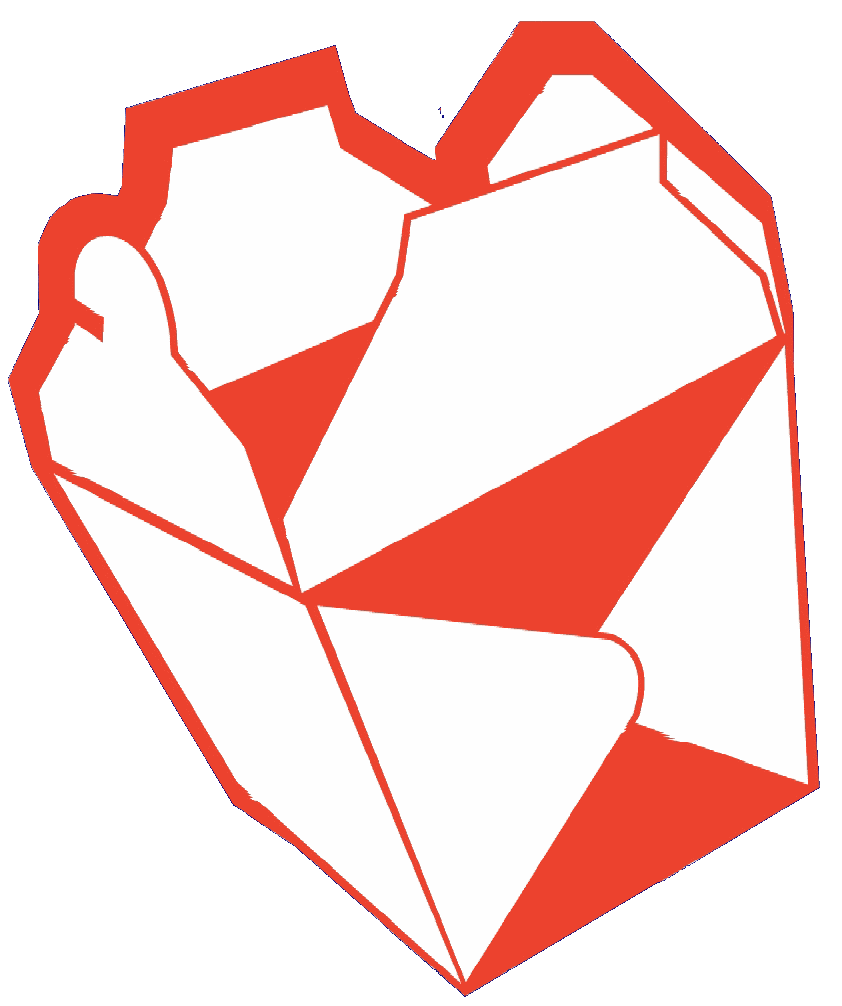
2. I decreased the opacity so that I would be able to position the letters properly. This can be a little tedious. If your program has an option to place text along a line, you can certainly use that, but I just opted for placing everything manually. I created a second layer where I would be positioning the letters. Actually I created several layers: steam, box and shadow, just in case I messed up. click for full view
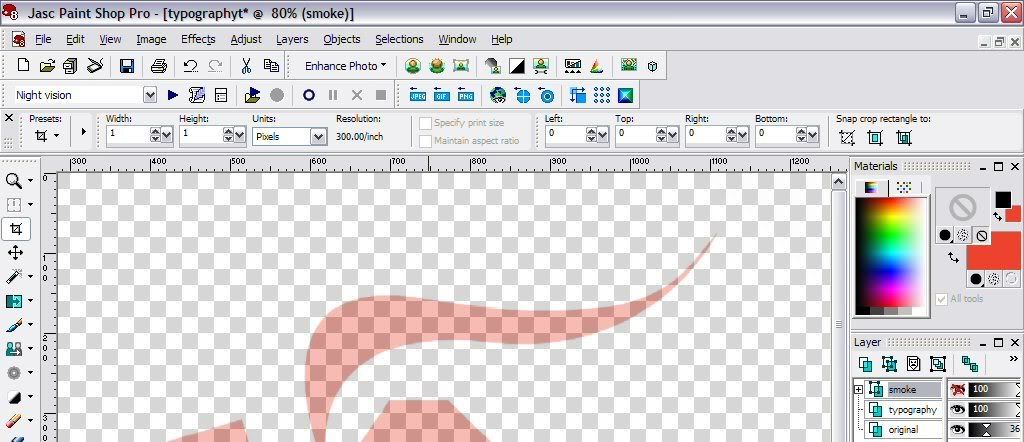
3. Next, position the letters according to the shape of the stock picture. I used the Bonzai font to match the theme. click for full view
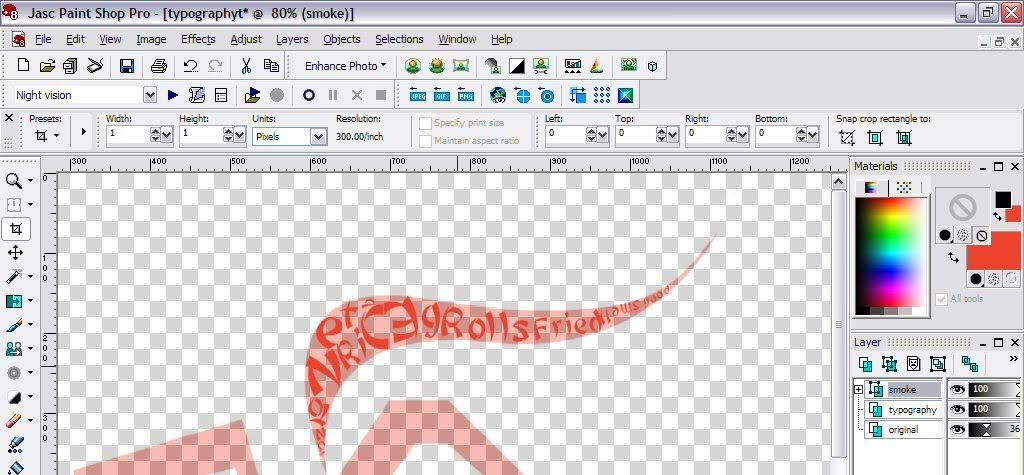
4. Play around with colour, positioning and size until you get the effect you want. click for full view
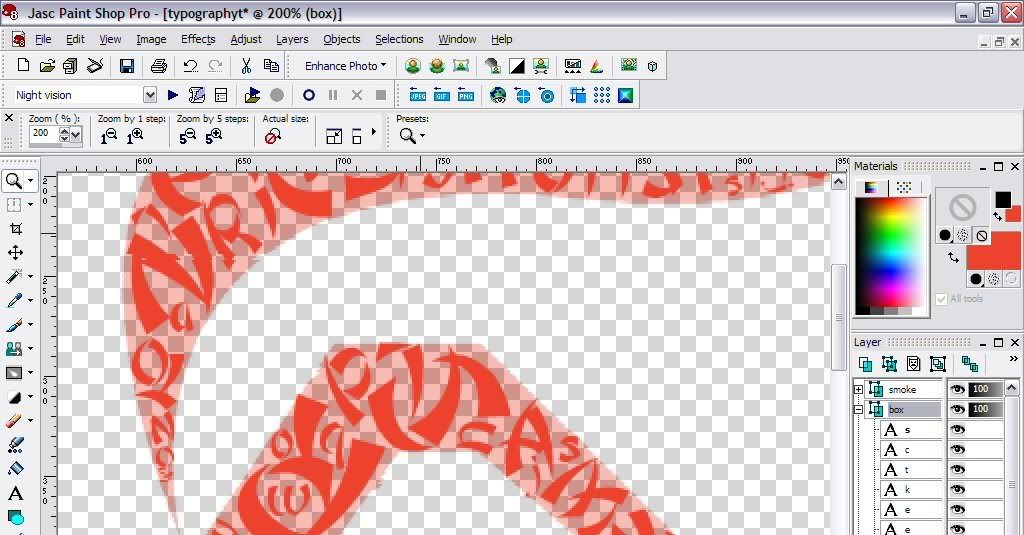
5. Once finished, hide the original layer, change the background colour to black, and voilà your work of art. full view 1290 x 1456
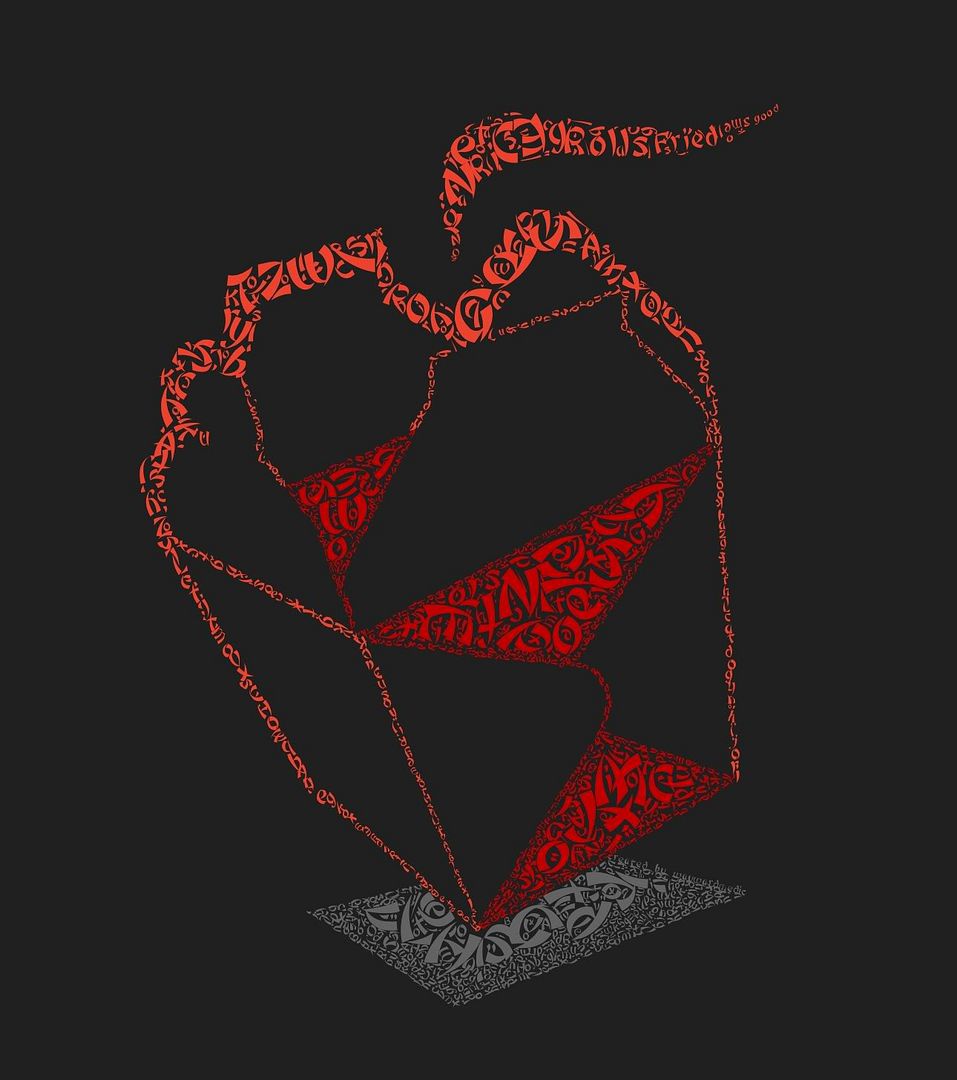
If you find this useful let me know and if you give it a try, send me a picture or link and I will feature your artwork here. I wrote this quick tutorial before I actually undertook the project. Let me tell you that placing all those letters manually takes alot of time and patience but it is very rewarding in the end.
More typograhic art:
Flickr: typography tag search.
Georgeous examples of floral typography.
noupe: 40+ killer typograhic posters, photoshop effects and tutorials.
Speckyboy Design Magazine: 25 examples of amazingly creative typography art.
Six Revisions: 30+ creative typography art. You have got to check this one out!
Thursday, May 7, 2009
Matching Twitter and iPhone backgrounds
Two new Twitter backgrounds freshly baked from the oven. Comes with matching iPhone backgrounds as well. Drop a comment if you think the iPhone backgrounds are worth to keep making.
Here is a red grungy theme. Full size is 1920 x 1200.

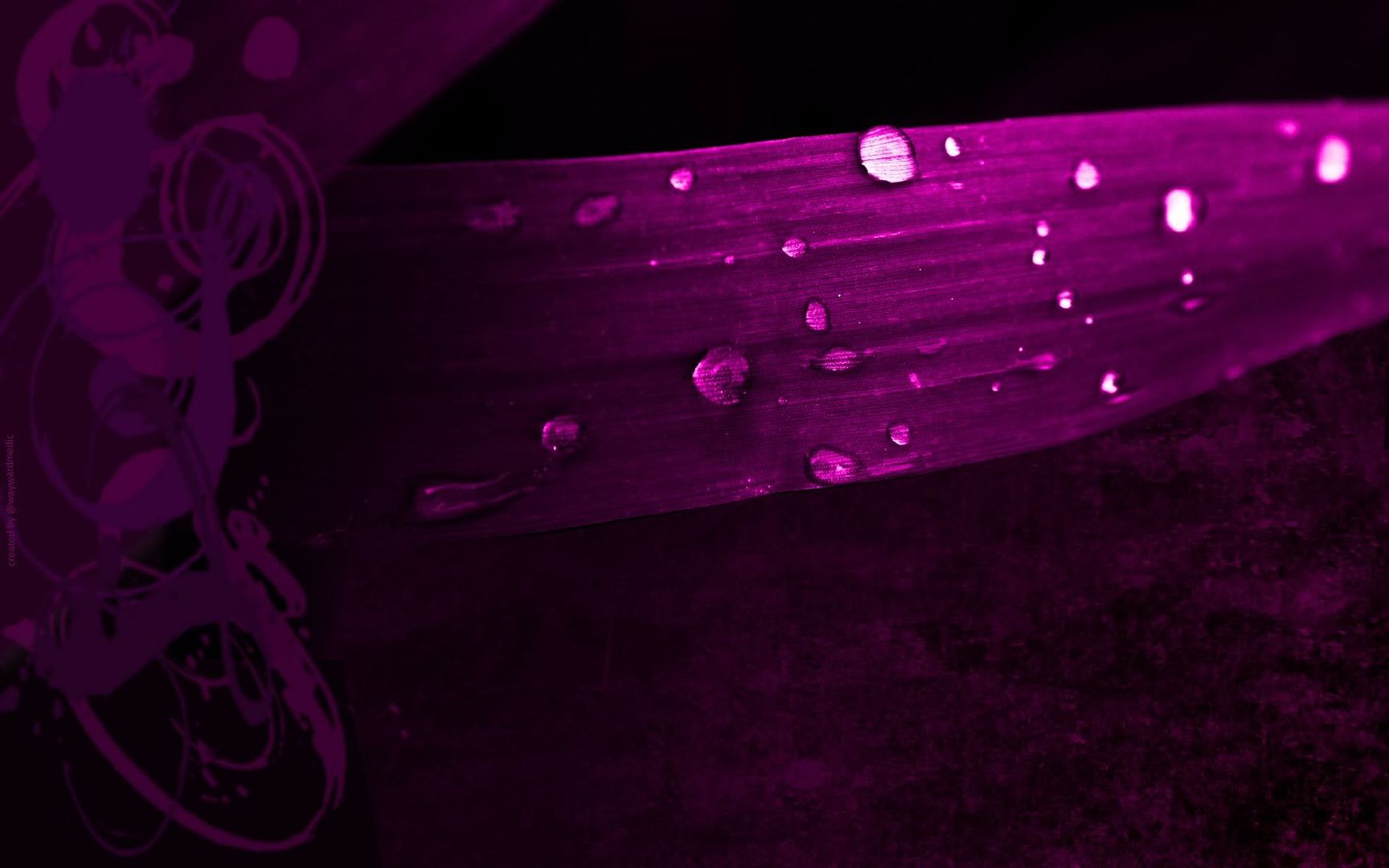
I found the blade of grass on deviantART, played with some colours, added a few things and voila another background. Full size is 1920 x 1200.

Here are the matching iPhone backgrounds.


Here is a red grungy theme. Full size is 1920 x 1200.
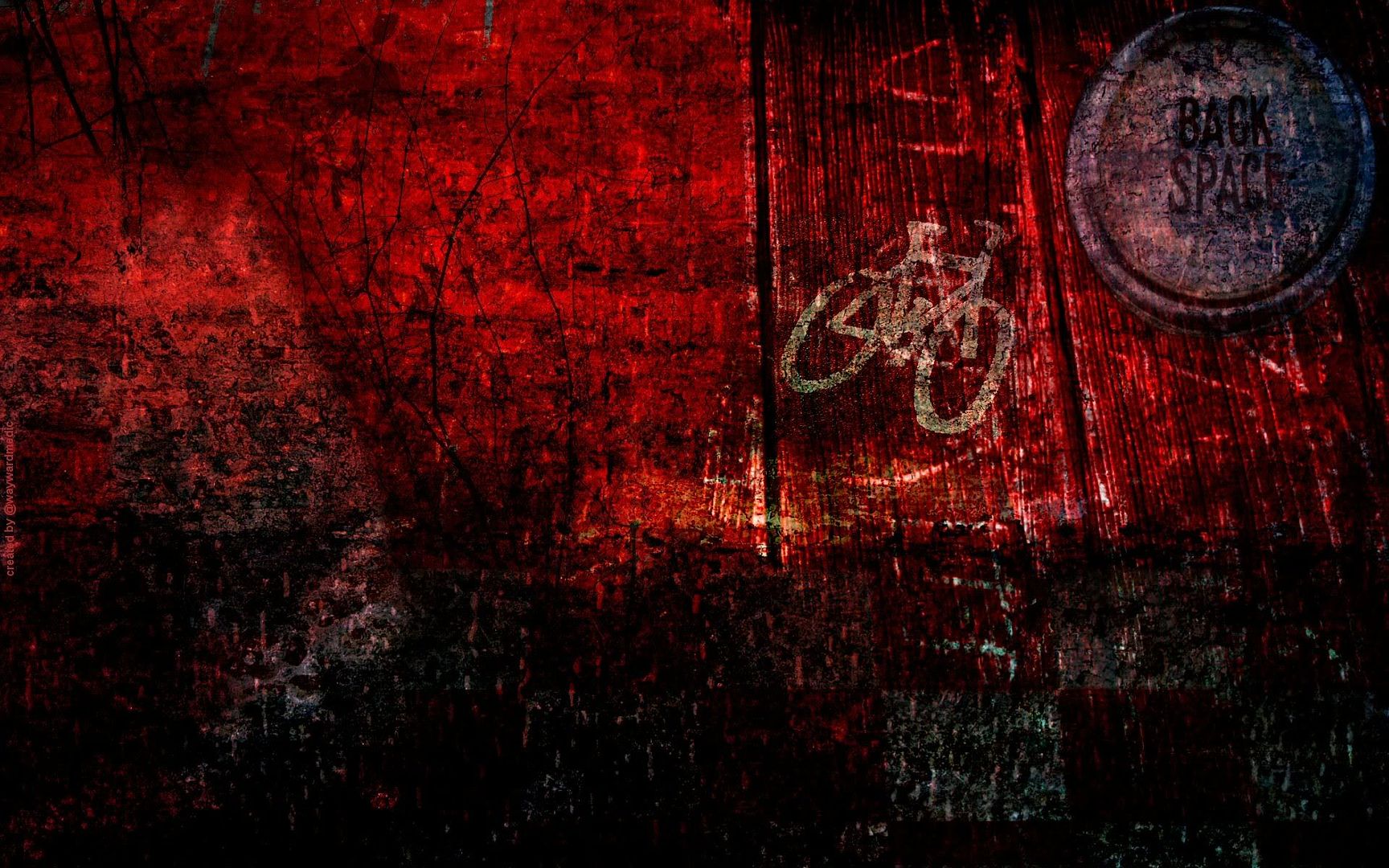
I found the blade of grass on deviantART, played with some colours, added a few things and voila another background. Full size is 1920 x 1200.
Here are the matching iPhone backgrounds.
Tuesday, January 20, 2009
I'm all about being creative baby...
These past few days I felt a little like taking out my crayons and drawing stuff. But I have misplaced them so I've been checking out some sites that will allow me to have some fun.
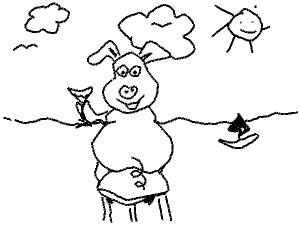
Here is a pig I drew - hey I don't have a tablet all of this was done with a mouse. You to0 can be a world-famous pig drawer like moi by visiting draw a pig. By the way the site lets you psychoanalyzes your chef-d'oeuvre.

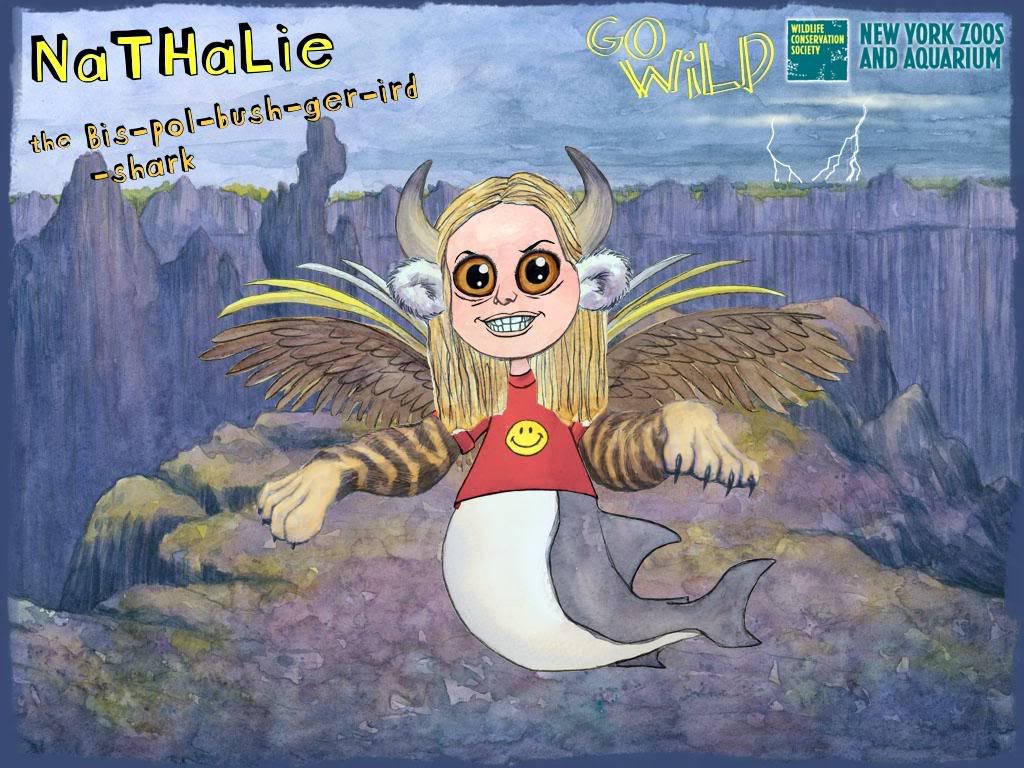
This next one is very cool. You don't really have to draw but you have to decide what kind of creature you want to be by adding animal parts to it. You can have a go at building your wild self. The site is linked to New York Zoos and Aquarium and the Wildlife Conservation Society.

I'm definitely getting better at creating Twitter backgrounds. Here are two that I made for myself recently. They will fit a variety of screen resolutions. Its funny because I have a low resolution monitor I can't even see my own backgrounds LOL.


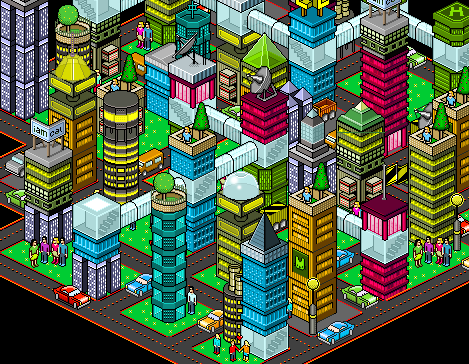
Be the mistress/master of your domain, create your own city. Here is my city. Very detailed-oriented/anal aren't I?

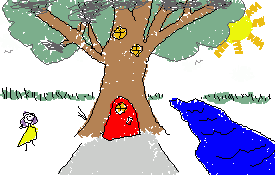
The next one is similar to drawing your pig except its a house. You can also add it to a street or create your own street. Here is mine, to be sure the drawing was bigger but the site, unfortunately reduces it. Can you tell I don't have a tablet?

And last but certainly not least there is my oats. This is a beautiful site where you can learn to draw in a circle. It's not easy but even if you don't want to draw you must visit the site just to see the quality of the art on there. Here is my attempt.

Here is a pig I drew - hey I don't have a tablet all of this was done with a mouse. You to0 can be a world-famous pig drawer like moi by visiting draw a pig. By the way the site lets you psychoanalyzes your chef-d'oeuvre.
This next one is very cool. You don't really have to draw but you have to decide what kind of creature you want to be by adding animal parts to it. You can have a go at building your wild self. The site is linked to New York Zoos and Aquarium and the Wildlife Conservation Society.
I'm definitely getting better at creating Twitter backgrounds. Here are two that I made for myself recently. They will fit a variety of screen resolutions. Its funny because I have a low resolution monitor I can't even see my own backgrounds LOL.

Be the mistress/master of your domain, create your own city. Here is my city. Very detailed-oriented/anal aren't I?
The next one is similar to drawing your pig except its a house. You can also add it to a street or create your own street. Here is mine, to be sure the drawing was bigger but the site, unfortunately reduces it. Can you tell I don't have a tablet?
And last but certainly not least there is my oats. This is a beautiful site where you can learn to draw in a circle. It's not easy but even if you don't want to draw you must visit the site just to see the quality of the art on there. Here is my attempt.

Subscribe to:
Posts (Atom)
